🎉 Limited Offer — 50% OFF All Plans!
Ends in
12days
02hrs
:
56min
:
49sec
:
82ms

Product Photoshoot

Transform raw product shots into a polished product photoshoot using AI.

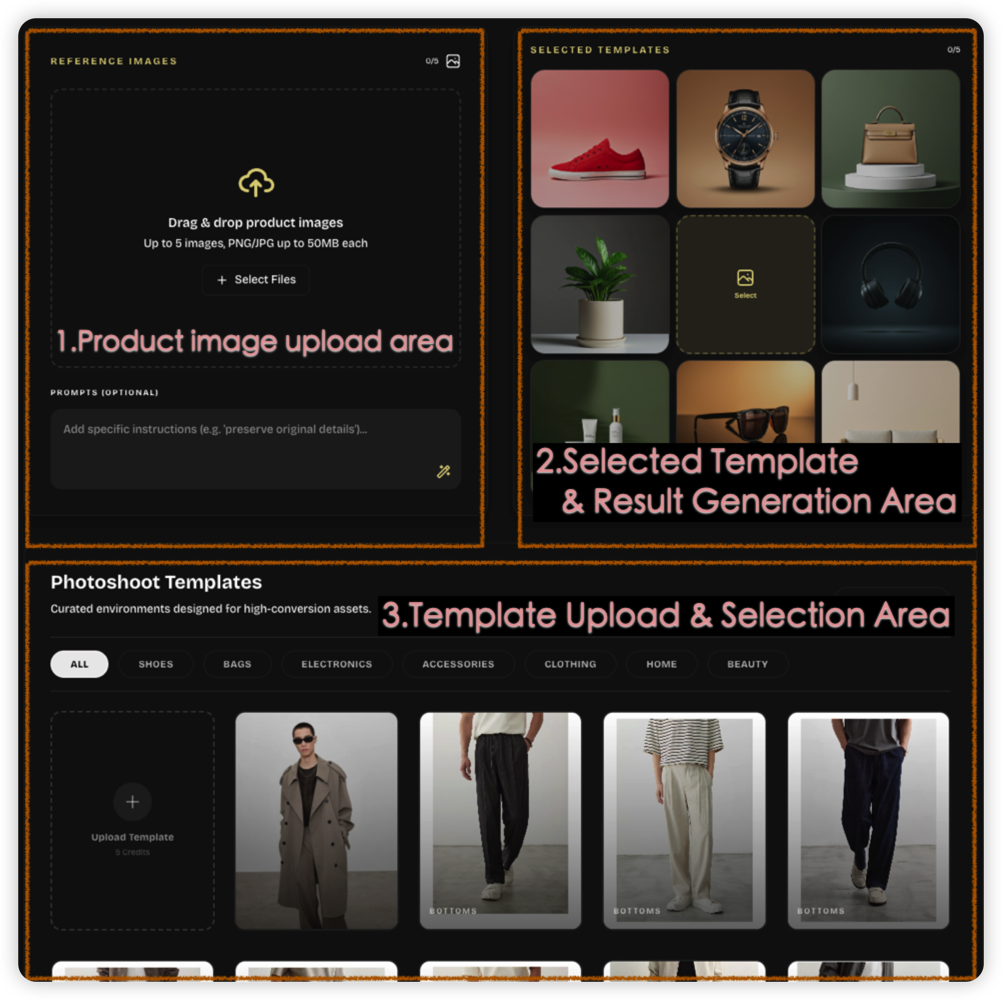
Product Images
0/5
Recent Uploads

No history

Selected Templates0 Templates
0/5
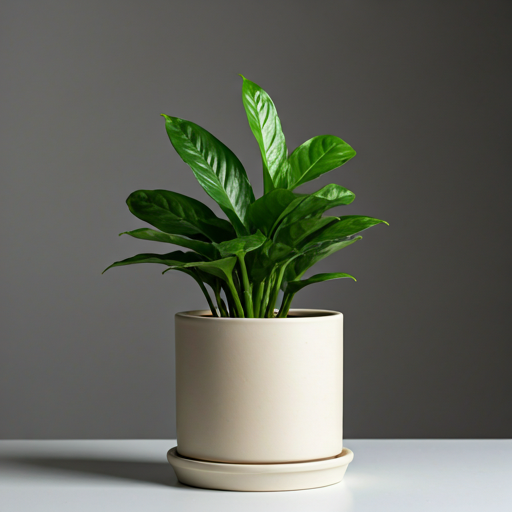
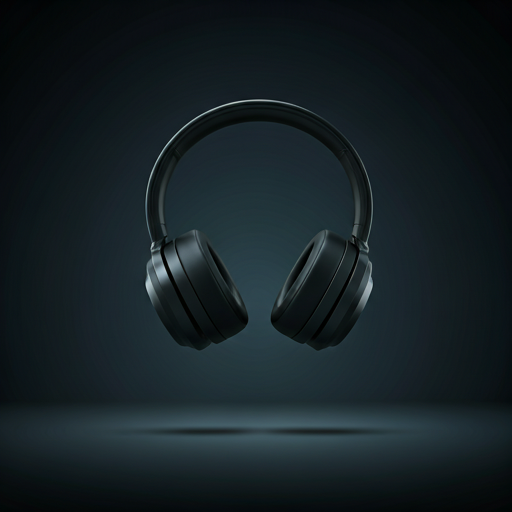
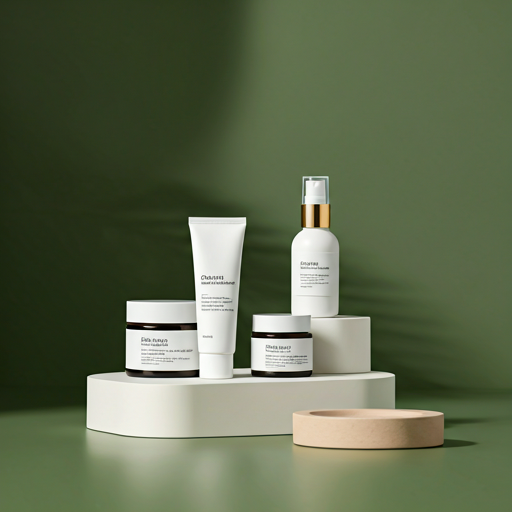
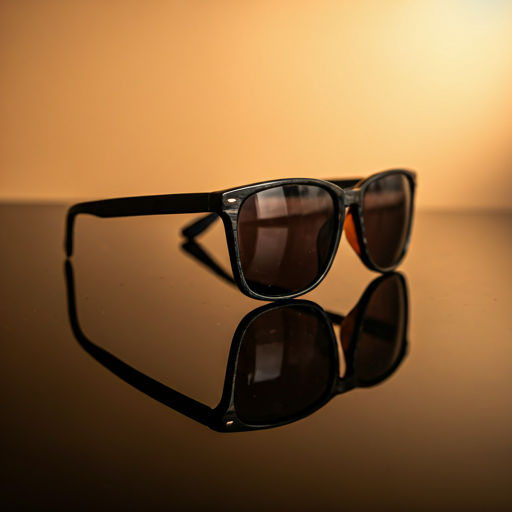
Template preview
Template preview
Template preview
Template preview
Select
Template preview
Template preview
Template preview
Template preview

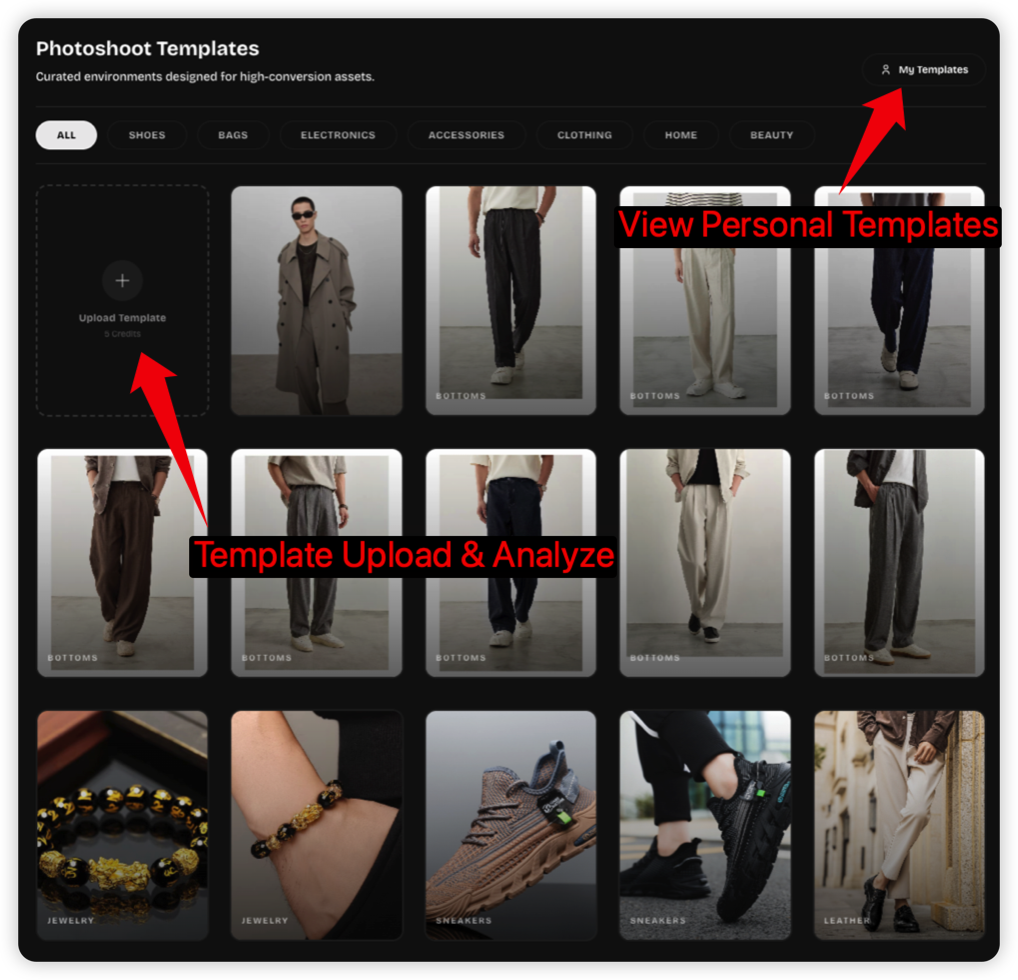
Photoshoot Templates

Curated environments designed for high-conversion assets.

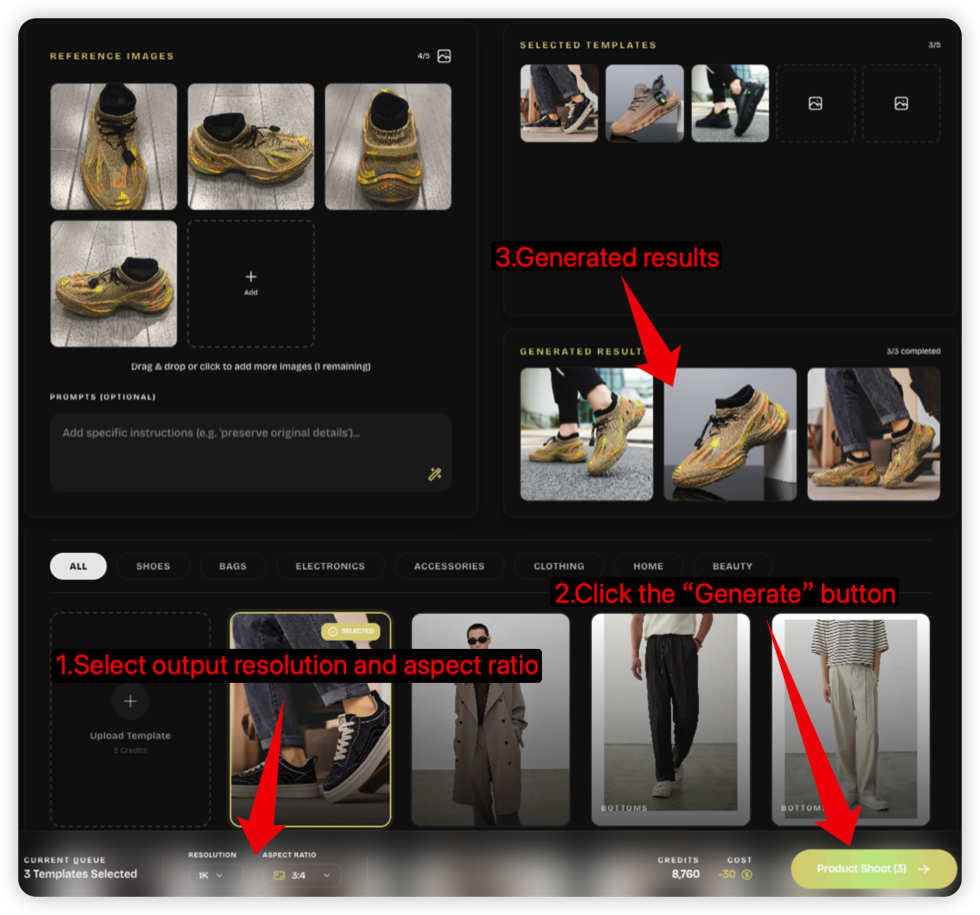
Product Photoshoot Workflow

From upload to final shot, recreate viral materials with just a few clicks.

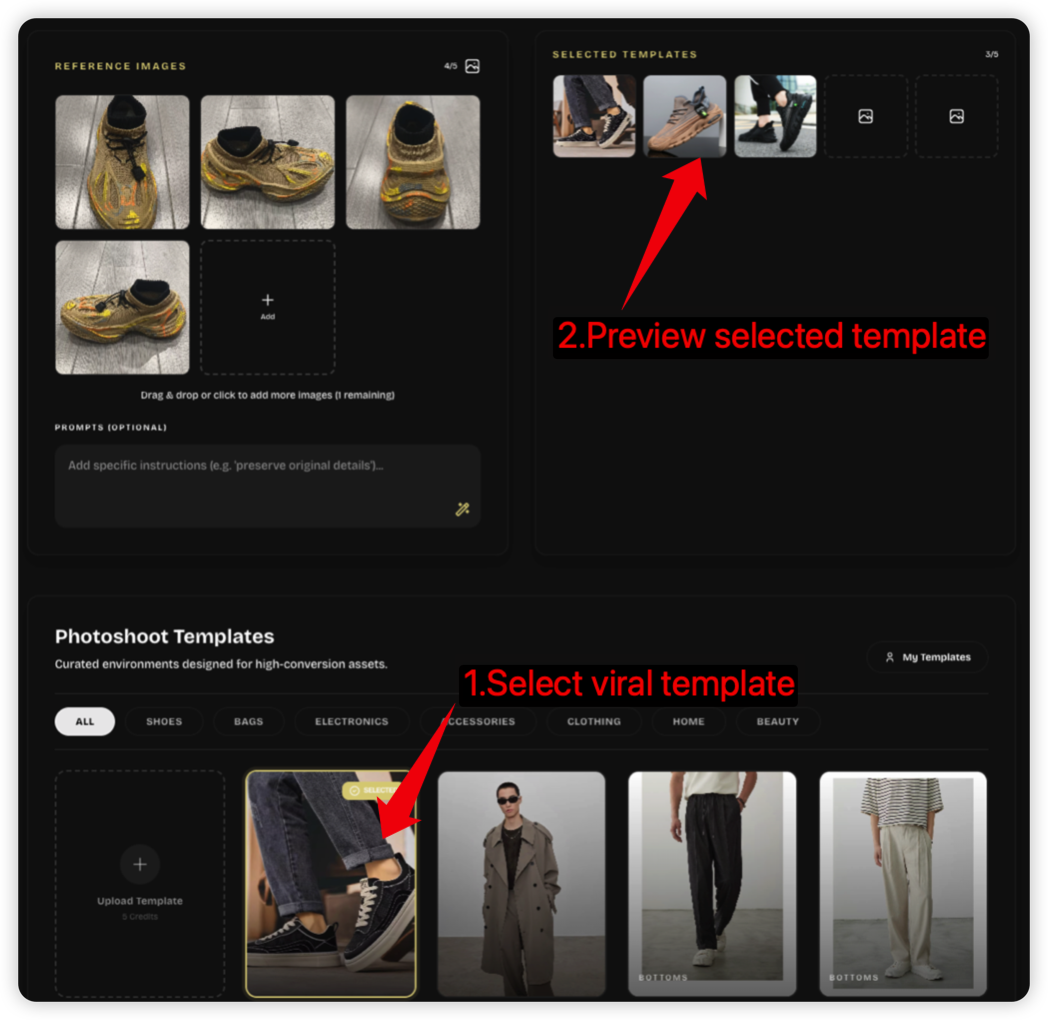
Step 1: Upload Product
Step 2: Upload Reference
Step 3: Select Template
Step 4: Generate Results

Key Features

Product Photoshoot Key Features

Everything an ecommerce team needs to turn raw product images into consistent, channel-ready product photoshoot assets.

One-Click Product Photoshoot

Upload product images, choose a template, and generate a polished product photoshoot without prompt engineering or studio setup.

Viral Reference Analysis

AI analyzes lighting, composition, background, color mood, and commercial styling from reference materials to recreate proven visual patterns.

Product Detail Preservation

Keep the product recognizable by preserving shape, packaging, logos, labels, texture, and material cues across generated scenes.

Ecommerce-Ready Scenes

Create clean catalog looks, premium lifestyle scenes, ad creatives, launch visuals, and social content from the same product source.

Catalog-Scale Production

Generate multiple angles, styles, aspect ratios, and campaign variations for large SKU sets while keeping a consistent brand look.

Faster, Lower-Cost Shoots

Reduce repeat studio work, location scouting, prop setup, and retouching cycles so product photoshoot ideas move from test to publish faster.

Product Photoshoot Guide

What is a product photoshoot?

A practical guide to creating ecommerce product visuals that look trustworthy, consistent, and ready for product pages, ads, and social channels.

What is a product photoshoot?

A product photoshoot is the process of turning a real item into clear, persuasive visuals. For ecommerce, that usually means a clean hero image, lifestyle context, close-up detail shots, and campaign variations that help shoppers understand the product before they buy.

Photoshoot makes the product photoshoot workflow faster with AI. Upload your real product images, select curated templates, and the generator rebuilds lighting, composition, and background around the item while keeping the product as the visual hero.

Use this AI product photoshoot when you need more image variants for Shopify, Amazon-style galleries, paid ads, seasonal campaigns, or social posts without booking a studio for every SKU.
Best inputs

Upload sharp product photos with visible edges, accurate color, and minimal obstruction. Multiple angles help the product photoshoot preserve shape and material details.

Best outputs

Generate lifestyle scenes, editorial ads, white-background alternatives, and detail-focused product photoshoot assets for different sales channels.

Best review

Check logos, texture, proportions, and packaging text before publishing. The strongest AI product photoshoot still starts from a trustworthy reference image.

How to plan an AI product photoshoot

The best results come from treating AI as a production assistant: give it clean inputs, choose templates by channel, and review the final product photoshoot like you would review studio work.

1

Start with a clean product image

Use a real product photo with good lighting and minimal blur so the AI has reliable shape, color, and material information.

2

Choose templates by sales channel

Pick clean catalog looks for listing pages, richer lifestyle templates for ads, and editorial scenes for launches or seasonal campaigns.

3

Add practical prompt notes

Mention details that matter, such as preserving the label, avoiding extra props, matching brand colors, or keeping the product centered.

4

Generate, compare, and refine

Create several versions, compare consistency, then keep the images that make the product clear, credible, and visually distinct.

FAQ

Product photoshoot FAQ

Answers for ecommerce teams using AI to scale product photography while keeping outputs useful for real listings and campaigns.

Selected Templates0 Templates
Credits0
Cost
-0

Rate our service

Your feedback helps us improve photoshoot generation for everyone.

Service rating

4.8

5,029 votes